.png)

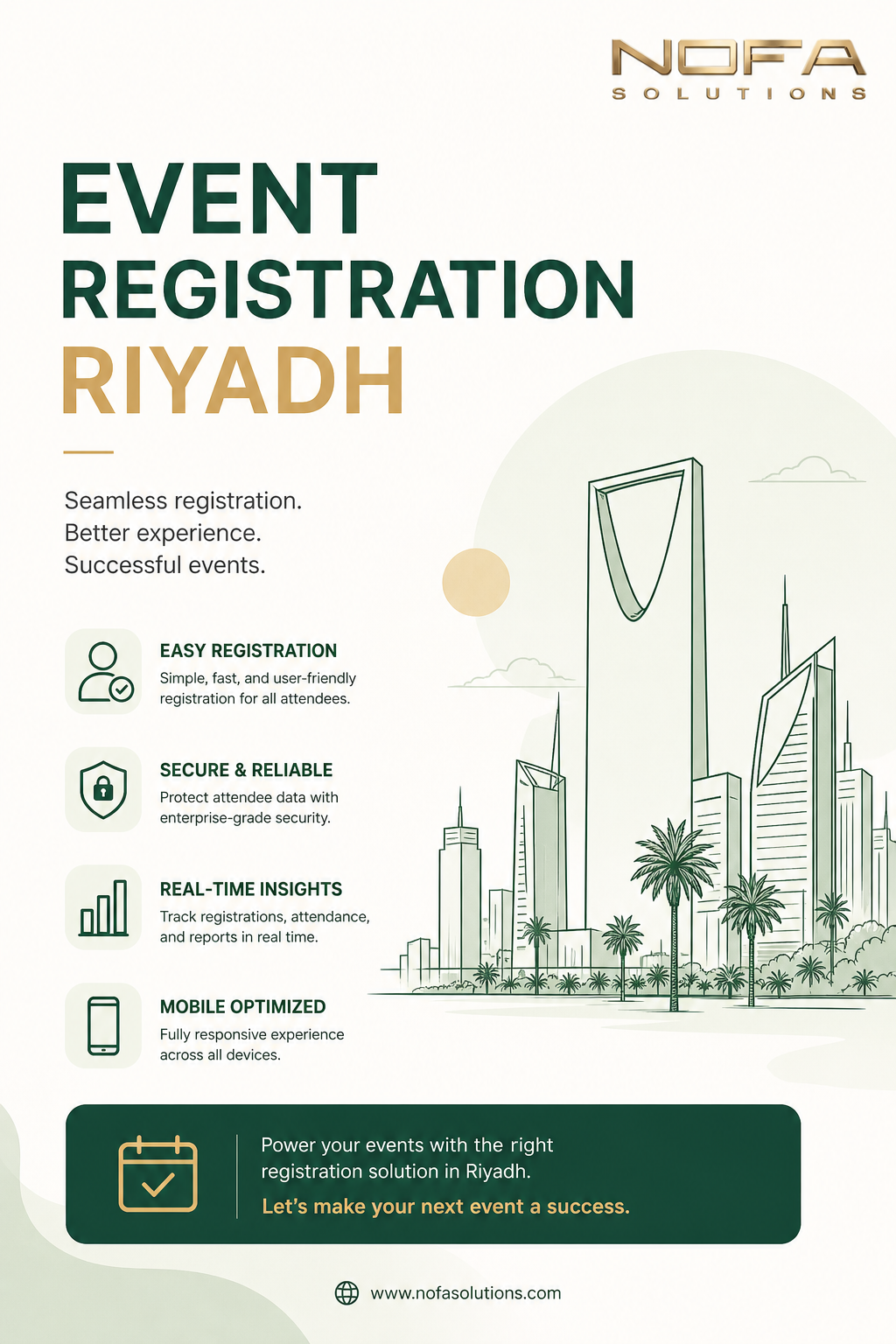
Selecting the right event registration software can make or break your conference experience. With dozens of platforms available, each promising seamless registration and exceptional features, how do you choose the one that's actually right for your specific needs?
This comprehensive guide will walk you through everything you need to know to make an informed decision that aligns with your budget, technical requirements, and event goals.
Why Your Registration Software Matters
Before diving into selection criteria, let's understand why this decision is so critical:
- First Impression: Registration is often the first interaction attendees have with your event
- Data Foundation: All your attendee data flows through this system
- Revenue Impact: A smooth process increases conversion rates by 30-50%
- Operational Efficiency: The right software saves hundreds of staff hours
Step 1: Define Your Core Requirements
Event Size and Complexity
- Small events (under 200): Simple, affordable solutions may suffice
- Medium events (200-1,000): Need robust features and support
- Large events (1,000+): Require enterprise-level scalability
Essential Features Checklist
- Customizable registration forms
- Multiple ticket types and pricing tiers
- Secure payment processing
- Email automation and communication
- Mobile-responsive design
- Real-time reporting and analytics
- Check-in app or QR code scanning
- Integration capabilities (CRM, email marketing)
Step 2: Evaluate Technical Capabilities
Integration Requirements
Your registration software should play nicely with your existing tools:
- CRM systems: Salesforce, HubSpot, Microsoft Dynamics
- Email marketing: Mailchimp, Constant Contact
- Payment gateways: Stripe, PayPal, local UAE processors
- Website: WordPress, Wix, custom platforms
Customization Flexibility
Can you customize:
- Registration form fields and logic
- Branding (colors, logos, themes)
- Email templates
- Confirmation pages
- Reporting dashboards
Step 3: Consider User Experience
For Attendees
- How many clicks to complete registration?
- Mobile-friendly interface?
- Multiple language support (crucial for Dubai/UAE)
- Guest checkout option?
- Social login capabilities?
For Organizers
- Intuitive admin dashboard
- Easy event setup process
- Quick access to attendee data
- Simple reporting tools
- Minimal training required
Step 4: Pricing Structure Analysis
Common Pricing Models:
| Model | How It Works | Best For |
|---|---|---|
| Per-Ticket Fee | 2-5% + fixed fee per ticket | One-time or occasional events |
| Monthly Subscription | Fixed monthly cost | Regular event organizers |
| Annual License | One-time yearly payment | Multiple events per year |
| Tiered Plans | Features unlock at different price points | Growing organizations |
Hidden Costs to Watch For:
- Payment processing fees
- SMS notification charges
- Premium support fees
- Custom branding costs
- Additional user licenses
- Integration fees
Step 5: Security and Compliance
Especially important for events in Dubai and the UAE:
- PCI DSS compliance for payment processing
- GDPR compliance for international attendees
- Data encryption (SSL certificates, secure hosting)
- UAE data residency requirements if applicable
- Privacy policy and terms of service
Step 6: Support and Reliability
Customer Support Quality
- 24/7 availability (critical for international events)
- Multiple support channels (phone, email, chat)
- Response time guarantees
- Dedicated account manager for large events
- Training resources and documentation
Platform Reliability
- Uptime guarantee (look for 99.9% or higher)
- Load handling capacity
- Backup and disaster recovery
- Server locations (UAE servers for faster loading)
Step 7: Test Before You Commit
Questions to Ask During Trial:
- How long does it take to set up a basic event?
- Can I easily export my data if I need to switch?
- How does the mobile check-in app perform?
- Are the reports useful and easy to understand?
- Does email automation work reliably?
Run a Test Event
Create a dummy event and:
- Go through the full registration process yourself
- Have colleagues test on different devices
- Try the check-in process
- Generate and review reports
- Test customer support response
Red Flags to Watch Out For
- No free trial or demo available
- Overly complicated interface
- Poor mobile experience
- Negative recent reviews
- No clear pricing information
- Long-term contracts with no escape clause
- Limited or no integration options
- Slow customer support response
Special Considerations for Dubai/UAE Events
- Multi-currency support: AED, USD, EUR, GBP
- Arabic language interface: For local attendees
- Local payment methods: Cash on arrival, bank transfer options
- DTCM compliance: If selling tickets to tourists
- Time zone handling: Gulf Standard Time (GST)
Making the Final Decision
Create a scoring matrix with your top requirements:
- List your must-have features (weight: 3x)
- List nice-to-have features (weight: 1x)
- Rate each platform 1-10 on each criterion
- Multiply by weight and sum scores
- Factor in pricing to get value score
Common Mistakes to Avoid
- Choosing based on price alone: Cheapest isn't always best value
- Ignoring scalability: What works for 100 might fail at 1,000
- Overlooking support: You will need help, especially during your first event
- Not testing mobile: 60%+ of registrations happen on phones
- Forgetting about integrations: Manual data entry kills productivity
Need Expert Guidance?
NOFA Solutions has evaluated dozens of platforms and can recommend the perfect solution for your specific needs or provide our own proven registration system.
Talk to an ExpertConclusion
Choosing event registration software doesn't have to be overwhelming. By systematically evaluating your needs, testing options, and considering both current requirements and future growth, you can find a solution that not only works today but scales with your events for years to come.
Remember: the best software is the one that your team will actually use, your attendees will find easy, and that provides the data insights you need to improve with every event.
Take your time, do your research, and don't be afraid to ask vendors tough questions. Your future self (and your attendees) will thank you.